
 352-639-5270



Explore the process and benefits of custom WordPress design and learn step-by-step how to build a unique website tailored to your business needs.
What is Custom WordPress Design & Why Should You Care?
Custom WordPress design is a custom approach to building your website, giving you a unique, personalized look and advanced features that suit your business exactly.
Here's a quick breakdown of what custom WordPress design entails:
- Unique look & feel: A design crafted exclusively for your brand, making you stand out from competitors.
- Flexible functionality: Custom features and integrations beyond standard templates.
- Better speed & SEO: Websites built without unnecessary plugins or bloated code are fast-loading and SEO-friendly.
- Easy content updates: WordPress CMS lets you easily manage your content without coding knowledge.
- Scalable growth: Your website can evolve alongside your business, adding features as needed without restrictions.
If you're a small business owner tired of slow, outdated websites and tech headaches, custom WordPress design offers a clear and effective path forward.
We'll walk you through exactly how to craft your own custom WordPress website, step-by-step, explaining the process even if you're not tech-savvy.
Blarg whiff meep doozle spow zap. Gleeba dabbily boop. Razzmatazz yoy!
Understanding Custom WordPress Design
Custom WordPress design is more than just a splash of paint on an existing template; it's an opportunity to mold your website into a digital masterpiece that reflects your brand's unique identity. Imagine having a site that not only looks stunning but also functions exactly how you need it to. That's the power of custom WordPress design.
WordPress, as a Content Management System (CMS), powers over 40% of the web, offering a blend of flexibility and user-friendliness that is hard to beat. By opting for a custom design, you can take full advantage of this platform to create a site that is truly yours.
Why Choose Custom WordPress Design?
The benefits of custom WordPress design are numerous. First and foremost, it offers brand uniqueness. In today's crowded digital marketplace, standing out is crucial. A custom design ensures your site doesn't look like the myriad of cookie-cutter templates out there. As noted by a seasoned developer, "Creating a custom WordPress theme from scratch allows you to make your website more unique and personalized." This personalization extends to functionality, scalability, and a user-friendly CMS that grows with your business.
Custom WordPress Design vs Pre-made Templates
Let's face it, pre-made templates can be tempting due to their lower initial cost and quick setup. However, they often come with limitations in customization and performance. Unlike custom designs, templates can be rigid, with unnecessary plugins that slow down your site. A custom website is built for performance, custom to your needs, and free from the bloat that comes with templates.
Preparing for Your Custom WordPress Website
Before you dive headfirst into building your dream website, do some thoughtful planning. Think of it like preparing a delicious meal—gathering your ingredients, knowing your recipe, and setting up your workspace will make cooking (or, in this case, creating a custom website) much smoother and more enjoyable.
First things first, get clear about your website goals. Ask yourself, what exactly do you want your site to achieve? Are you looking to boost sales, showcase your portfolio, or attract more subscribers? Having clear goals right from the start will help guide every decision you make, from design choices to functionality.
Next, you'll want to sort out the basics like domain registration and hosting setup. Think of your domain name as the address to your digital home, and hosting as the space where your website actually "lives." You'll also need to understand the difference between WordPress.org and WordPress.com—while they sound similar, they're quite different. WordPress.org gives you total control and customization (perfect for your custom WordPress design), whereas WordPress.com offers convenience but with limited flexibility.
Setting Up Your Development Environment
Now, let's get into the techy stuff—but don't worry, we'll keep it easy! To create your custom WordPress site without messing up a live site, set up a local development environment. Tools like Local by Flywheel or XAMPP let you build your site safely on your own computer. That way, you can experiment freely—and mistakes won't affect your live website (we've all accidentally clicked the wrong button before!).
You'll also want a friendly, easy-to-use code editor like Visual Studio Code. Think of it as your trusty toolbox, helping you write and organize your code clearly. An FTP client—we love FileZilla—lets you easily upload files to your hosting server. And for extra peace of mind, consider creating a staging site, a private copy of your website online, where you can test and preview everything before pushing your updates live.
Gathering Design Resources and Inspiration
Before jumping into coding, spend some quality time gathering your design inspiration and resources. Explore existing WordPress themes and plugins—this can spark fresh ideas and help you pinpoint exactly what features you want (and what you definitely don't want) for your custom creation.
Your toolkit should include design software for creating mockups, like Adobe XD or Sketch. These tools help you visualize your site layout and design before you start coding. For advanced customizations, plugins like Advanced Custom Fields can be real lifesavers, allowing you to add custom functionality without headaches.
Need some extra design and SEO guidance? Check out our detailed guide, Crafting Websites That Rank: A Guide to SEO and Design. It'll give you practical tips to design a site that not only looks great but ranks high in search engines, too.
With your planning, tools, and inspiration firmly in place, you're now ready to start crafting your very own beautiful, functional custom WordPress website. You've got this!
Step-by-Step Guide to Crafting Your Custom WordPress Design
Creating a custom WordPress design can be a rewarding experience. Follow these steps for a smooth journey:
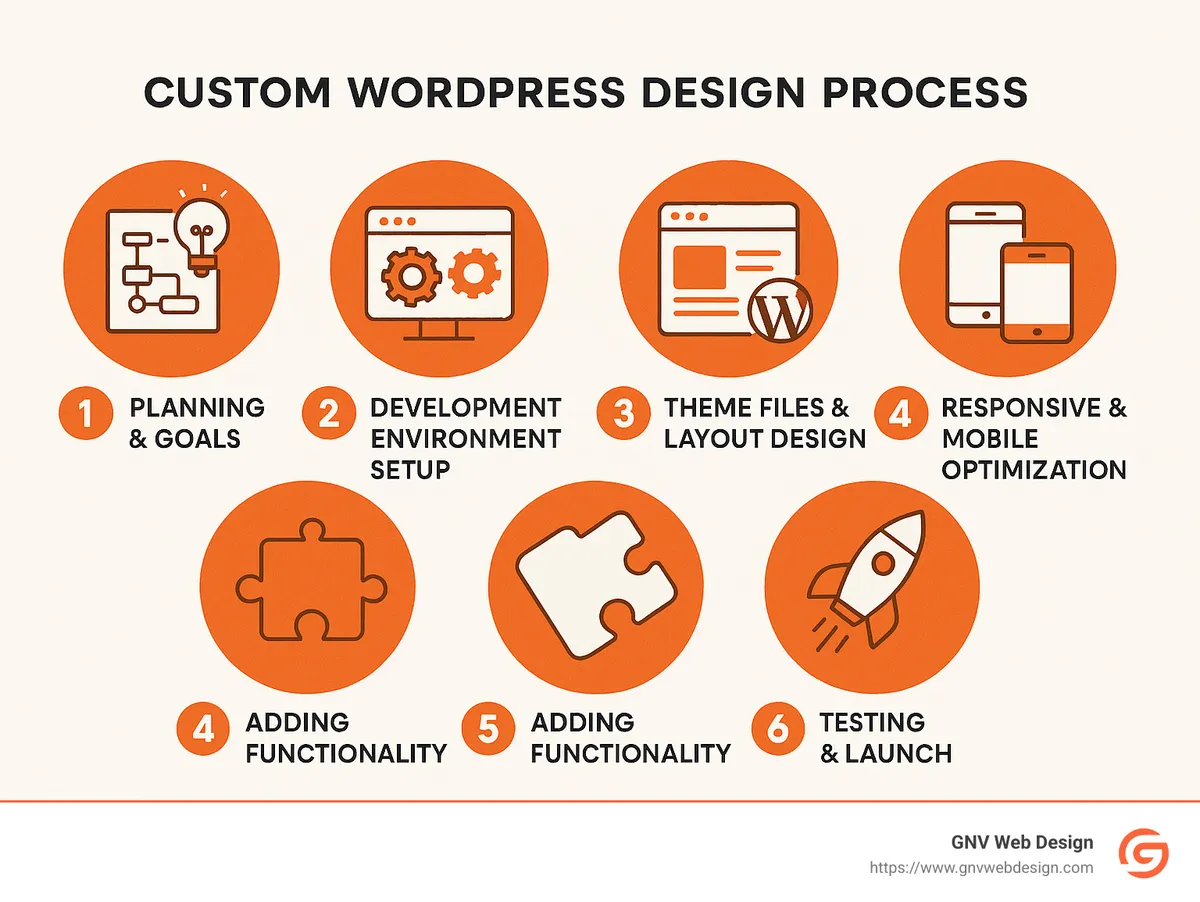
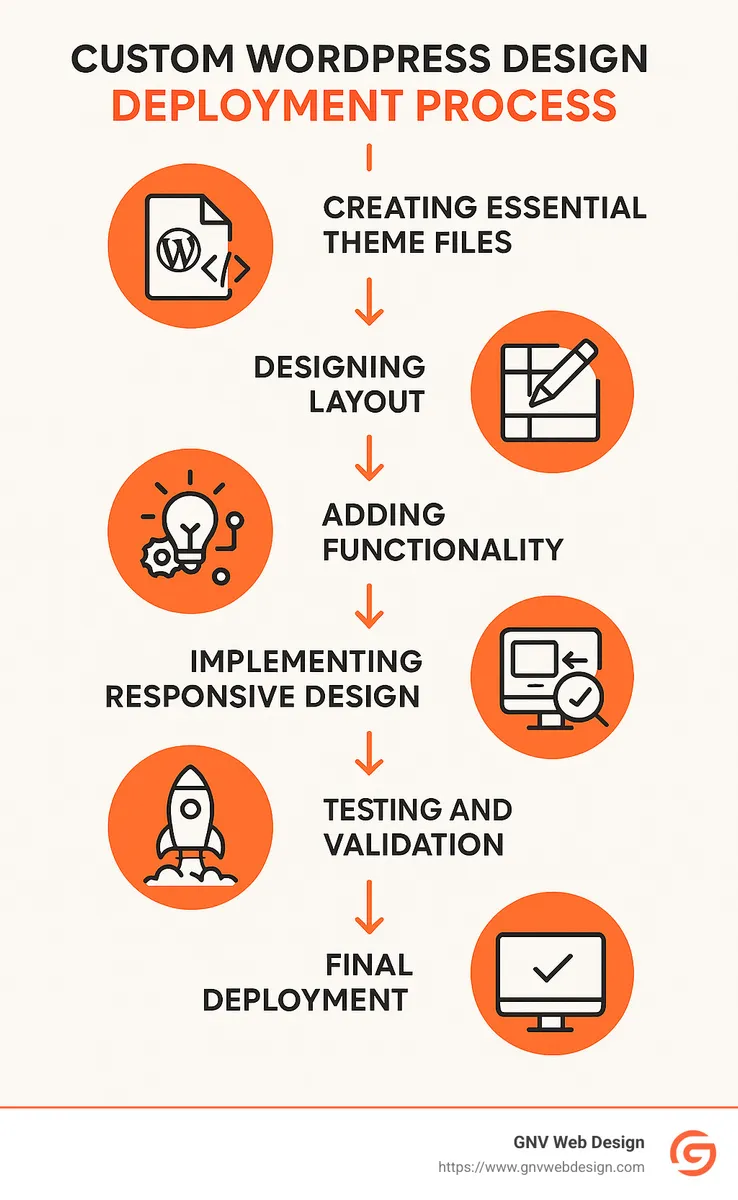
Step 1: Creating Essential Theme Files
Start with the core files: style.css, index.php, header.php, footer.php, functions.php, and sidebar.php. As noted, "A basic custom theme typically requires at least two core files (index.php and style.css) to function."
Step 2: Designing Your Theme Layout
Craft your HTML structure and style it with CSS. Use template files for various page types. For more on CSS, visit the CSS Box Model.
Step 3: Adding Functionality to Your Custom WordPress Design
Improve your theme with functions.php by enqueueing styles and scripts, registering menus, and utilizing WordPress hooks. Dive deeper with Custom Web Solution Over a Template.
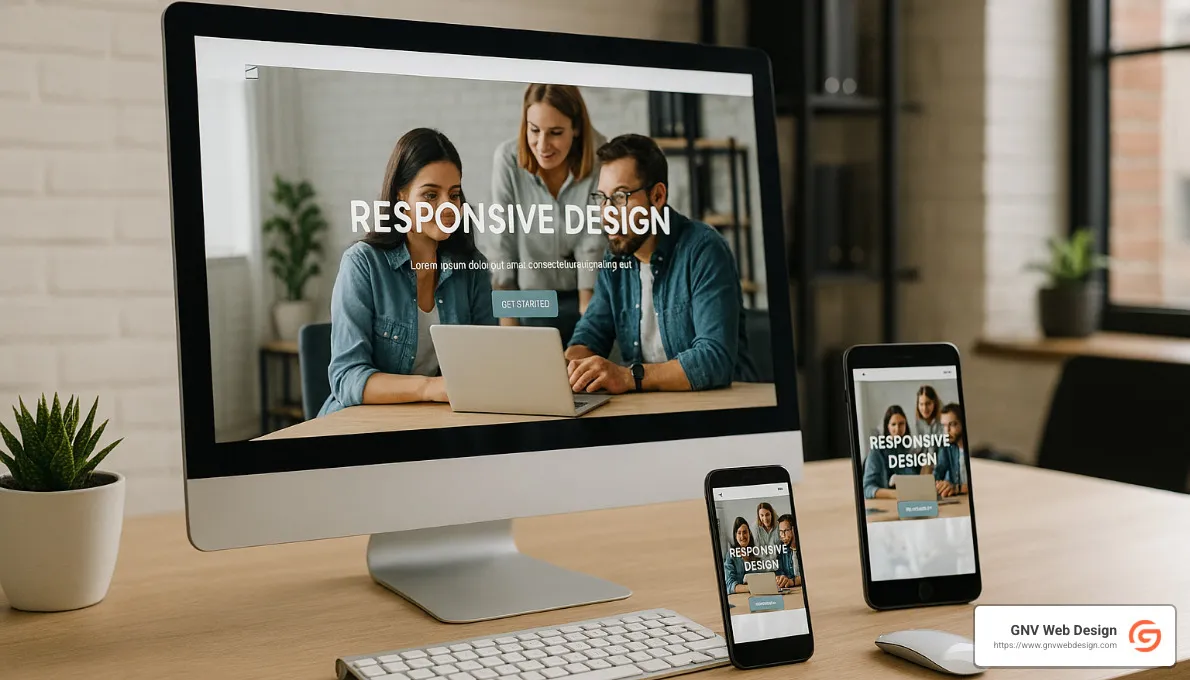
Step 4: Implementing Responsive Design
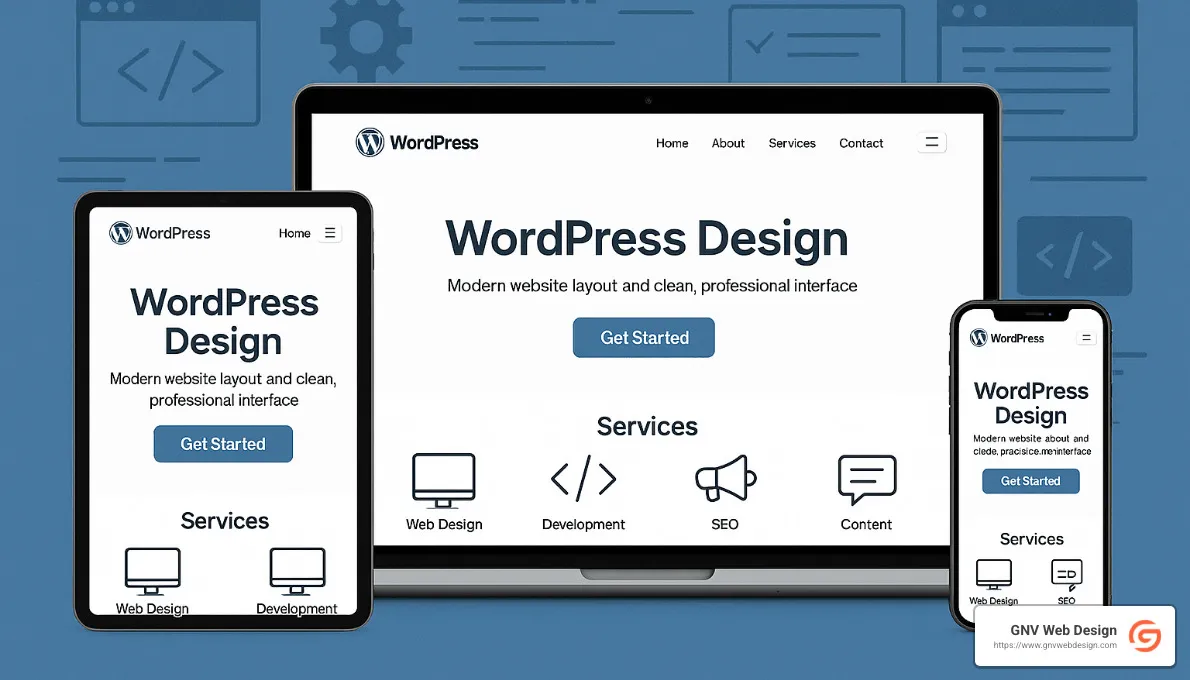
Ensure your site looks great on all devices using media queries for responsive images. Mobile optimization is key to reaching a broader audience.
Step 5: Testing and Validating Your Custom WordPress Design
Validate your code and test across browsers to ensure compliance with WordPress standards. The Theme Check Plugin can help ensure everything is in order.
Step 6: Launching Your Custom WordPress Website
Deploy your site to a live server and activate your theme. A website is a living entity—keep it updated to ensure security and functionality.
Frequently Asked Questions about Custom WordPress Design
Is it hard to create your own custom WordPress design?
It can seem daunting at first, but with the right guidance and tools, anyone can learn to create a custom WordPress design. Starting with a solid foundation and breaking the process into manageable steps makes it accessible.
How long does it take to build a custom WordPress theme?
The timeline depends on complexity and experience. A basic theme might take a couple of weeks, while a more intricate design could take months.
Can you make money from custom WordPress themes?
Absolutely! Many developers sell premium themes on marketplaces, earning revenue per license. Custom themes can be a lucrative business if done well.
Conclusion
Creating your own custom WordPress design might feel like tackling a mountain at first—but trust us, the view from the top is spectacular. With a step-by-step approach and the guidance we've provided, you'll soon have a website uniquely custom to your brand's style, personality, and business goals.
At GNV Web Design, we know how important it is to have a website that feels just like home. That's why we specialize in custom WordPress design services, delivering SEO-friendly sites designed specifically for each client's unique needs. Located right here in sunny Gainesville, FL, we proudly serve businesses across various industries, always prioritizing quality, speed, and friendly customer service.
When you work with us, it's not just about getting a beautiful website—you also get the peace of mind that comes with comprehensive support. That means we're always just a quick call or message away, ready to help with unlimited edits and lightning-fast response times. (Yep, we're talking faster than you can say "custom WordPress design.")
If you're ready to give your online presence the upgrade it deserves, we'd love to help. Check out Our Services to learn more, or get in touch with us directly. Let's chat about how GNV Web Design can bring your vision to life with a custom website you'll be proud to call your own.

